Getting Started with Next.js: A Comprehensive Guide for Modern Web Development

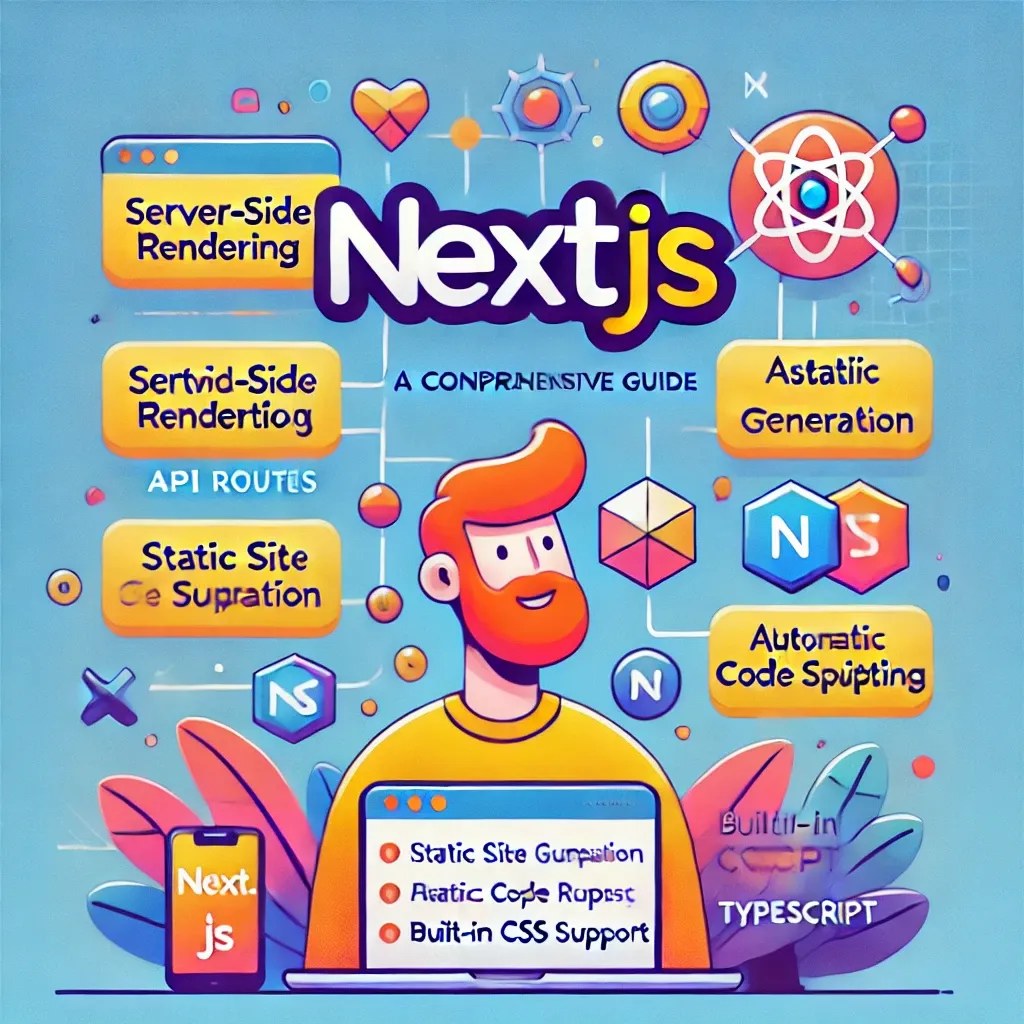
Next.js is a powerful React framework for building server-side rendering (SSR) and static web applications. It combines the best features of React with advanced performance optimizations and a robust development experience. In this blog post, we'll explore the key features of Next.js, its benefits, and how to get started with a simple example.
Why Choose Next.js?
Next.js offers several compelling features that make it a preferred choice for modern web development:
- Server-Side Rendering (SSR) and Static Site Generation (SSG): Next.js allows you to pre-render pages at build time or request time, providing faster initial load times and improved SEO.
- API Routes: You can create API endpoints within your Next.js application, eliminating the need for a separate backend.
- Automatic Code Splitting: Next.js automatically splits your code into smaller chunks, reducing the initial load time and improving performance.
- Built-In CSS and Sass Support: You can import CSS and Sass files directly into your components, simplifying the styling process.
- Image Optimization: Next.js includes an Image component that automatically optimizes images for better performance.
- TypeScript Support: Next.js has built-in TypeScript support, making it easy to build type-safe applications.
Getting Started with Next.js
Let's walk through creating a simple Next.js application.
Step 1: Setup
First, make sure you have Node.js installed. Then, create a new Next.js project using the following command:
Using Node option
npx create-next-app my-next-app
cd my-next-app
Using Yarn option
First, make sure you have Node.js and Yarn installed. Then, create a new Next.js project using the following command:
yarn create next-app my-next-app
cd my-next-app
Step 2: Create a Page
Next.js uses a file-based routing system. Create a new file pages/index.js with the following content:
import Head from 'next/head';

export default function Home() {
  return (
    <div>
      <Head>
        <title>My Next.js App</title>
      </Head>
      <h1>Welcome to Next.js!</h1>
      <p>This is a simple Next.js application.</p>
    </div>
  );
}
Step 3: Run the Development Server
With NPM
Start the development server using the following command for :
npm run dev
With Yarn
Start the development server using the following command:
yarn dev
Navigate to http://localhost:3000 in your browser to see your Next.js application in action.
Advanced Features
Server-Side Rendering (SSR)
To create a page with server-side rendering, use the getServerSideProps function:
// pages/ssr.js
export async function getServerSideProps() {
  // Fetch data from an API
  const res = await fetch('https://api.example.com/data');
  const data = await res.json();

  return { props: { data } };
}

export default function SSR({ data }) {
  return (
    <div>
      <h1>Server-Side Rendered Page</h1>
      <pre>{JSON.stringify(data, null, 2)}</pre>
    </div>
  );
}
Static Site Generation (SSG)
To create a page with static site generation, use the getStaticProps function:
// pages/ssg.js
export async function getStaticProps() {
  // Fetch data from an API
  const res = await fetch('https://api.example.com/data');
  const data = await res.json();

  return { props: { data } };
}

export default function SSG({ data }) {
  return (
    <div>
      <h1>Static Site Generated Page</h1>
      <pre>{JSON.stringify(data, null, 2)}</pre>
    </div>
  );
}
Conclusion
Next.js is a versatile framework that simplifies the development of fast, SEO-friendly web applications. With features like server-side rendering, static site generation, and built-in CSS support, it offers a comprehensive solution for modern web development.
Whether you're building a simple website or a complex application, Next.js provides the tools and flexibility you need to succeed.
To get started with Next.js, check out the official documentation and explore its rich ecosystem and community support.