Build a Practical Homelab Dashboard with Docker, Nginx Proxy Manager, and n8n
A practical guide to building a self-hosted homelab dashboard that tracks services, uptime, alerts, and automations using Docker, Nginx Proxy Manager, and n8n.

Why a Homelab Dashboard Matters
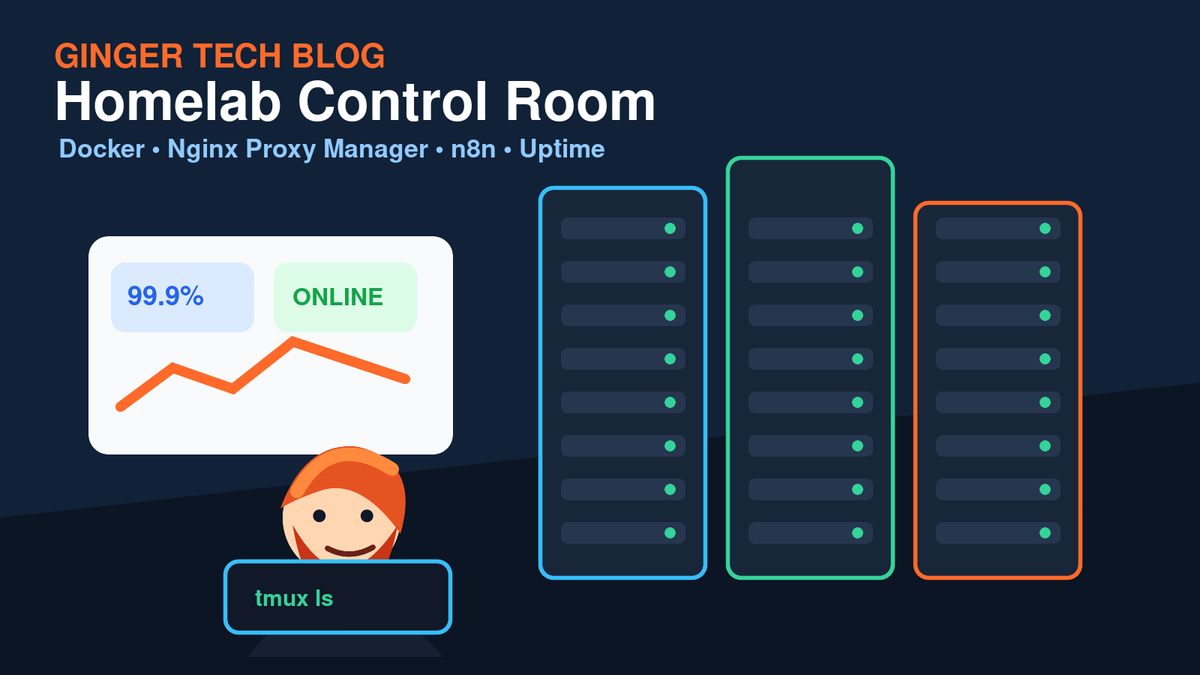
If you run more than a couple of self-hosted apps, it does not take long before you need a central place to answer one simple question: is everything working?
A good homelab dashboard is not just a pretty page full of links. It should help you see service health, expose the tools you use most often, and alert you when something needs attention. In this guide, we will design a practical dashboard setup using Docker, Nginx Proxy Manager, and n8n.
The Goal
We want a setup that gives us:
- A clean dashboard for important apps and admin panels
- HTTPS access through Nginx Proxy Manager
- Automated health checks
- Telegram, email, or Discord notifications when something breaks
- A setup that is easy to extend as the homelab grows
Recommended Architecture
A simple and reliable stack looks like this:
- Docker runs your dashboard and support services.
- Nginx Proxy Manager handles reverse proxy rules and SSL certificates.
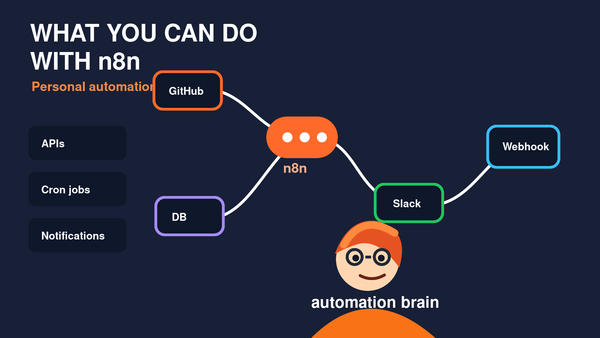
- n8n runs health checks and automation workflows.
- Uptime Kuma or a similar monitoring tool tracks app availability.
- A dashboard app such as Homepage, Heimdall, Homarr, or Dashy provides quick navigation.
Step 1: Pick a Dashboard App
There are several excellent choices:
- Homepage: Great for YAML-based configuration and service widgets.
- Homarr: Friendly visual editor and polished interface.
- Dashy: Highly customizable, good for advanced layouts.
- Heimdall: Simple and reliable if you mainly want app shortcuts.
For many homelabs, Homepage is a strong choice because it supports service widgets, Docker integrations, and a clean configuration model.
Step 2: Put Everything Behind Nginx Proxy Manager
Nginx Proxy Manager makes it easy to expose internal services with HTTPS. Instead of remembering IP addresses and ports, you can use friendly subdomains like:
dashboard.example.comn8n.example.comuptime.example.com
For each app, create a proxy host, point it to the internal Docker service or LAN IP, request an SSL certificate, and enable Force SSL.
Step 3: Add Monitoring
A dashboard is useful, but monitoring tells you when something is wrong. Uptime Kuma is one of the easiest tools to add. You can monitor:
- HTTP status codes
- TCP ports
- Docker containers
- Ping availability
- Keyword checks on a page
Create monitors for the apps you rely on most: your blog, password manager, automation server, file services, and admin tools.
Step 4: Use n8n for Smarter Alerts
Basic uptime alerts are helpful, but n8n lets you build richer automations. For example:
- Send a Telegram message when a service is down for more than five minutes.
- Create a weekly health report summarizing uptime and failures.
- Check disk usage through an SSH command and alert when a threshold is crossed.
- Restart a container automatically when a known non-critical service fails.
This is where the homelab starts to feel professional. Instead of manually checking everything, your infrastructure tells you when it needs attention.
Step 5: Organize Services by Priority
Not every service deserves the same alert level. I like splitting services into three groups:
- Critical: Reverse proxy, DNS, authentication, backups, monitoring.
- Important: Blog, notes, automations, dashboards, media services.
- Nice to have: Test apps, experiments, temporary containers.
This keeps alerts useful. If every tiny failure is urgent, you will eventually ignore all notifications.
Security Tips
- Use strong passwords and multi-factor authentication where possible.
- Do not expose admin panels unless you actually need remote access.
- Use HTTPS everywhere.
- Keep Docker images updated.
- Back up app data and configuration files.
- Separate public services from internal-only tools.
Final Thoughts
A homelab dashboard should reduce friction. It should make your services easier to find, easier to monitor, and easier to maintain. Docker gives you a repeatable deployment model, Nginx Proxy Manager gives you clean HTTPS access, and n8n gives you automation power when simple monitoring is not enough.
Start small: one dashboard, one monitoring tool, and a few alerts. Then build from there.