Self-Hosting Ghost: A Practical Blogging Platform for Developers
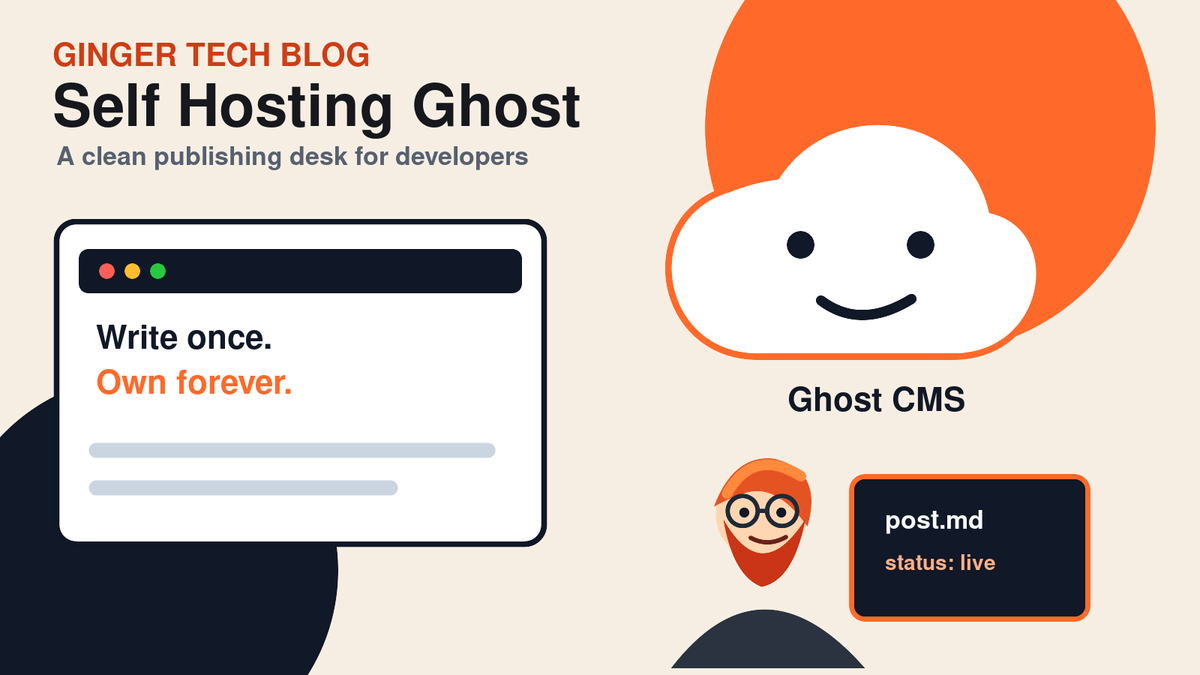
Ghost is a fast, clean publishing platform that works well for developers who want ownership, performance, and a modern writing experience without maintaining a heavy CMS.

Why Developers Still Need a Blog
A personal technical blog is one of the best long-term investments a developer can make. It gives you a place to document projects, explain what you are learning, share tutorials, and build a searchable archive of your work.
There are plenty of blogging platforms available, but Ghost stands out because it is focused, fast, and pleasant to use. It gives you a modern editor, strong SEO defaults, memberships if you want them, and a clean API for automation.
What Makes Ghost Different?
Ghost is not trying to be a general-purpose website builder. It is built around publishing. That focus is a strength.
- Clean writing experience: The editor is distraction-free and supports rich cards.
- Fast front end: Ghost themes are usually lightweight and performance-friendly.
- Good SEO defaults: Metadata, canonical URLs, sitemaps, and structured content are handled well.
- Admin API: Developers can create, update, and automate posts programmatically.
- Self-hostable: You can run it on your own server, NAS, or VPS.
When Ghost Is a Good Fit
Ghost is a strong choice if you want:
- A developer blog
- A company engineering blog
- A newsletter-driven publication
- A clean portfolio site with articles
- A self-hosted alternative to hosted blogging platforms
It is especially useful when you want to own your content and avoid being locked into someone else’s platform.
Suggested Docker Setup
A typical Ghost deployment uses:
- A Ghost container
- A MySQL database
- A persistent content volume
- A reverse proxy such as Nginx Proxy Manager
- HTTPS through Let’s Encrypt
The most important rule is to make sure your database and Ghost content directory are stored in persistent volumes or bind mounts. If those disappear, your blog disappears with them.
Basic Deployment Checklist
- Create a database specifically for Ghost.
- Set the correct public URL in Ghost’s environment variables.
- Persist
/var/lib/ghost/content. - Place Ghost behind a reverse proxy.
- Enable HTTPS and Force SSL.
- Configure mail settings if you plan to use members or newsletters.
- Back up the database and content folder regularly.
Using the Ghost Admin API
One underrated feature of Ghost is the Admin API. With it, you can automate publishing workflows. For example, you can:
- Create draft posts from a script.
- Generate article outlines from notes.
- Import old Markdown files.
- Update tags and metadata in bulk.
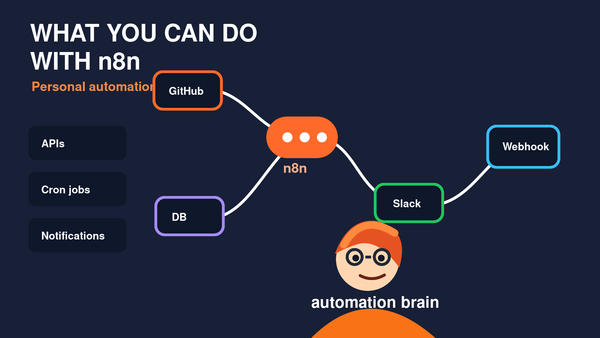
- Connect Ghost to automation tools like n8n.
This makes Ghost feel developer-friendly. You can write in your favorite tools, automate repetitive tasks, and still review everything in the Ghost Admin interface before publishing.
Security Considerations
Because Ghost is internet-facing, treat it like production software:
- Keep Ghost updated.
- Use strong admin passwords.
- Protect your Admin API key.
- Do not expose your database publicly.
- Back up before major upgrades.
- Monitor logs for repeated failed login attempts.
Final Thoughts
Ghost is a great blogging platform for developers because it stays focused on publishing while still offering enough technical flexibility for automation and customization. If you want a fast, clean, self-hosted place to write technical content, Ghost is absolutely worth considering.
The best part is that it can grow with you. Start with a simple blog, then add automations, newsletters, custom themes, and integrations as your needs evolve.